 1 / 3
1 / 3About
Overview
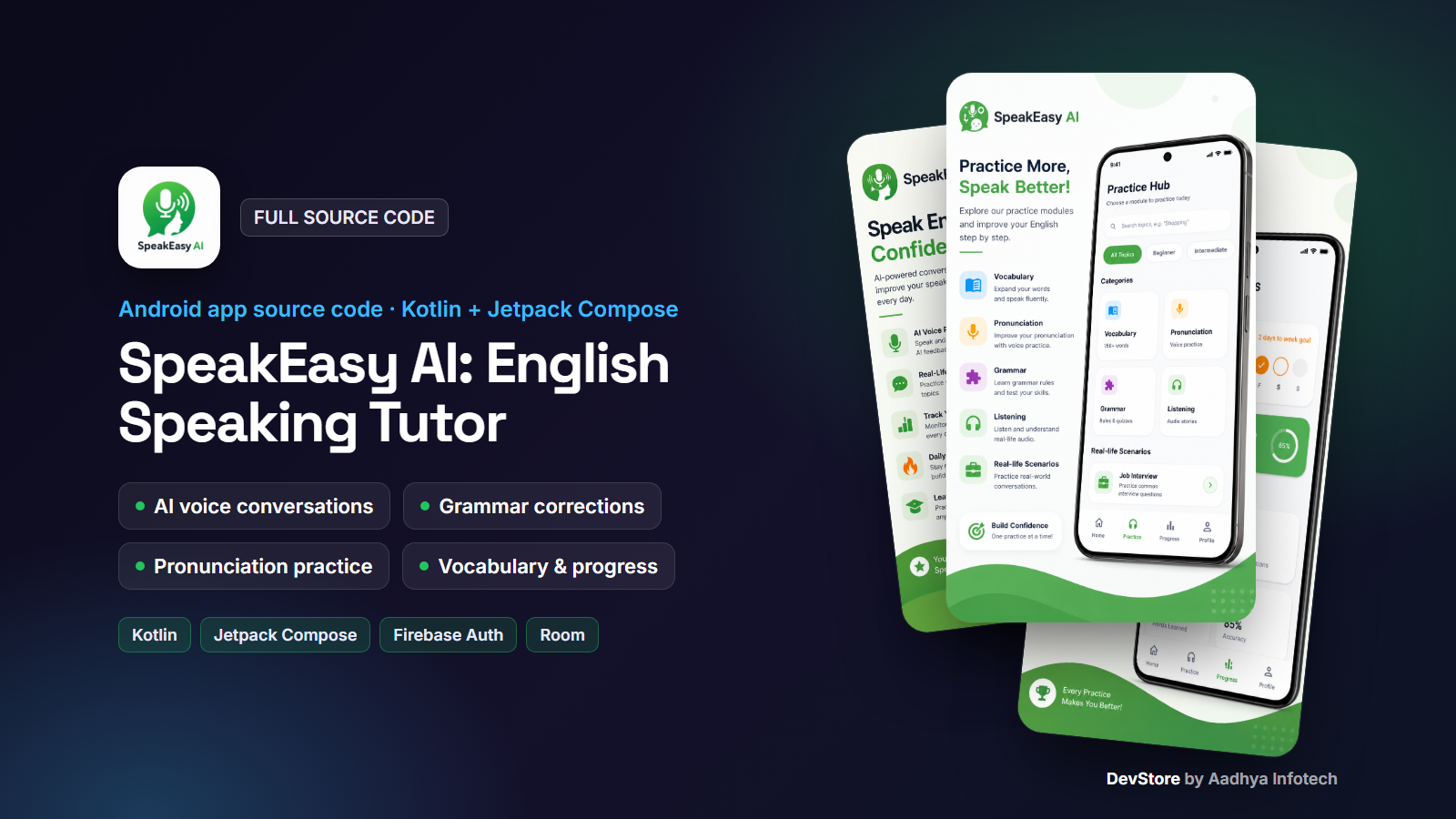
SpeakEasy AI is a native Android app that helps learners practise speaking English with an AI tutor. It is written in 100% Kotlin with Jetpack Compose, Hilt, Room and Retrofit. Learners talk to the tutor by text or voice, and every message gets grammar corrections, a short explanation and a score. The app also includes pronunciation, tongue twister, vocabulary, grammar and accent-listening practice, along with daily streaks and reminders.
AI content comes from the Groq API (Llama 3.3 70B), which is fast and has a free tier. Speech uses Android's built-in SpeechRecognizer and TextToSpeech, so there are no paid speech APIs. Firebase provides Google Sign-In, Analytics, Crashlytics and Remote Config.
Key features
AI conversation tutor
- Topic-based text chat with an AI English tutor, with history saved per topic in Room
- Each AI reply includes your mistake, the corrected sentence, an explanation and a 0-100 score
- Hands-free voice chat: speak naturally and the tutor answers out loud (speech-to-text plus text-to-speech)
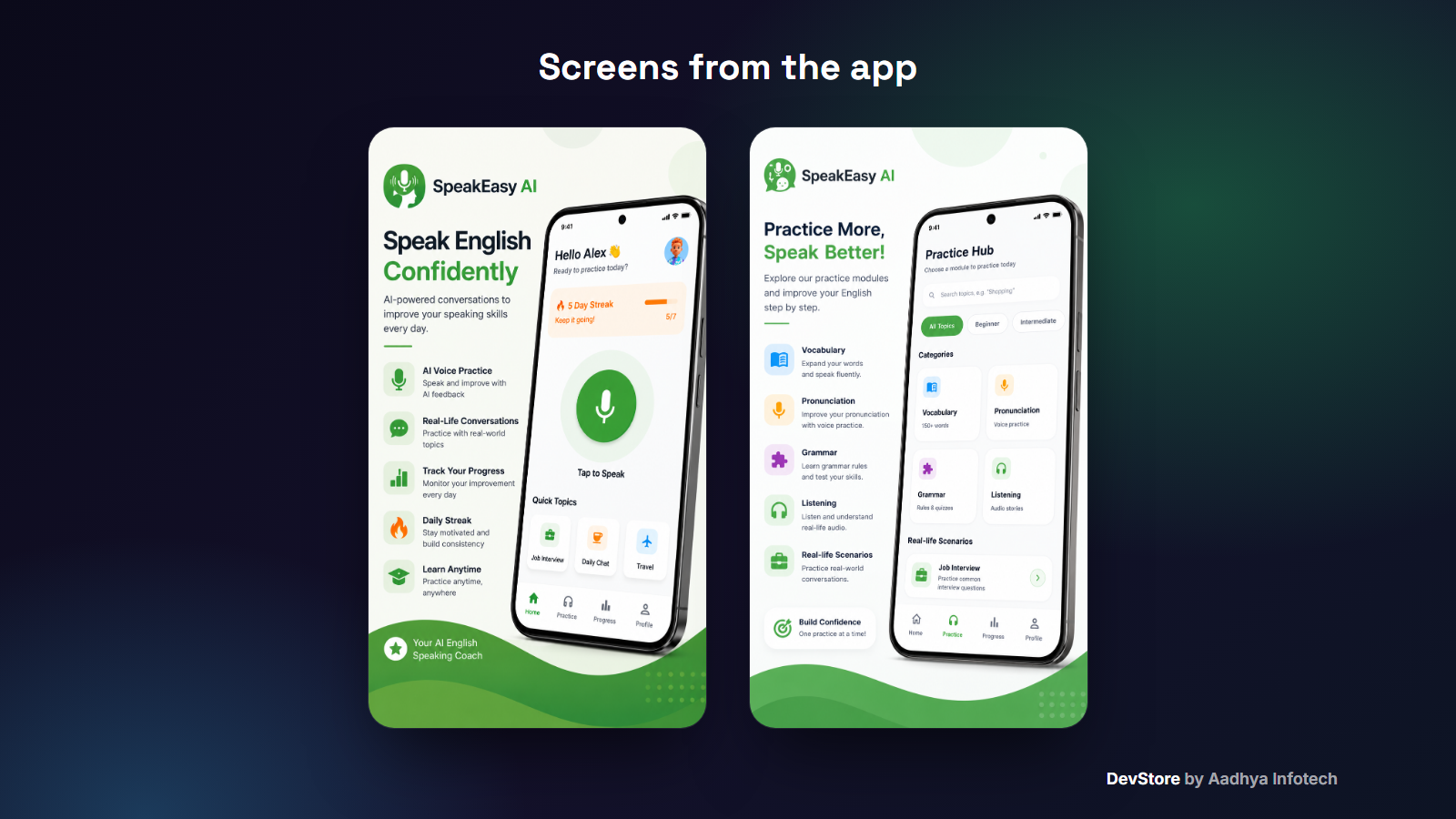
- Quick topics on Home and real-life scenario conversations
Practice Hub
- Pronunciation: accent score, focus sounds and guided lessons
- Tongue twisters: listen, repeat and get a % match score
- Vocabulary: Word of the Day, AI-generated word lists cached on the device, and speaking practice with hints and a mastered counter
- Grammar: AI-generated daily topics, lessons with examples, read-aloud and a speak-the-sentence check
- Listening: Indian, American, British and Australian accent lessons read by TTS with a matching locale
- Searchable topic catalogue with a Beginner/Intermediate filter (greetings, job interview, idioms, phrasal verbs and more)
- Daily caching of AI content to reduce API calls, with built-in fallback content
Onboarding and motivation
- Language picker, learning goal (Travel, Career, Daily, Academic) and placement test
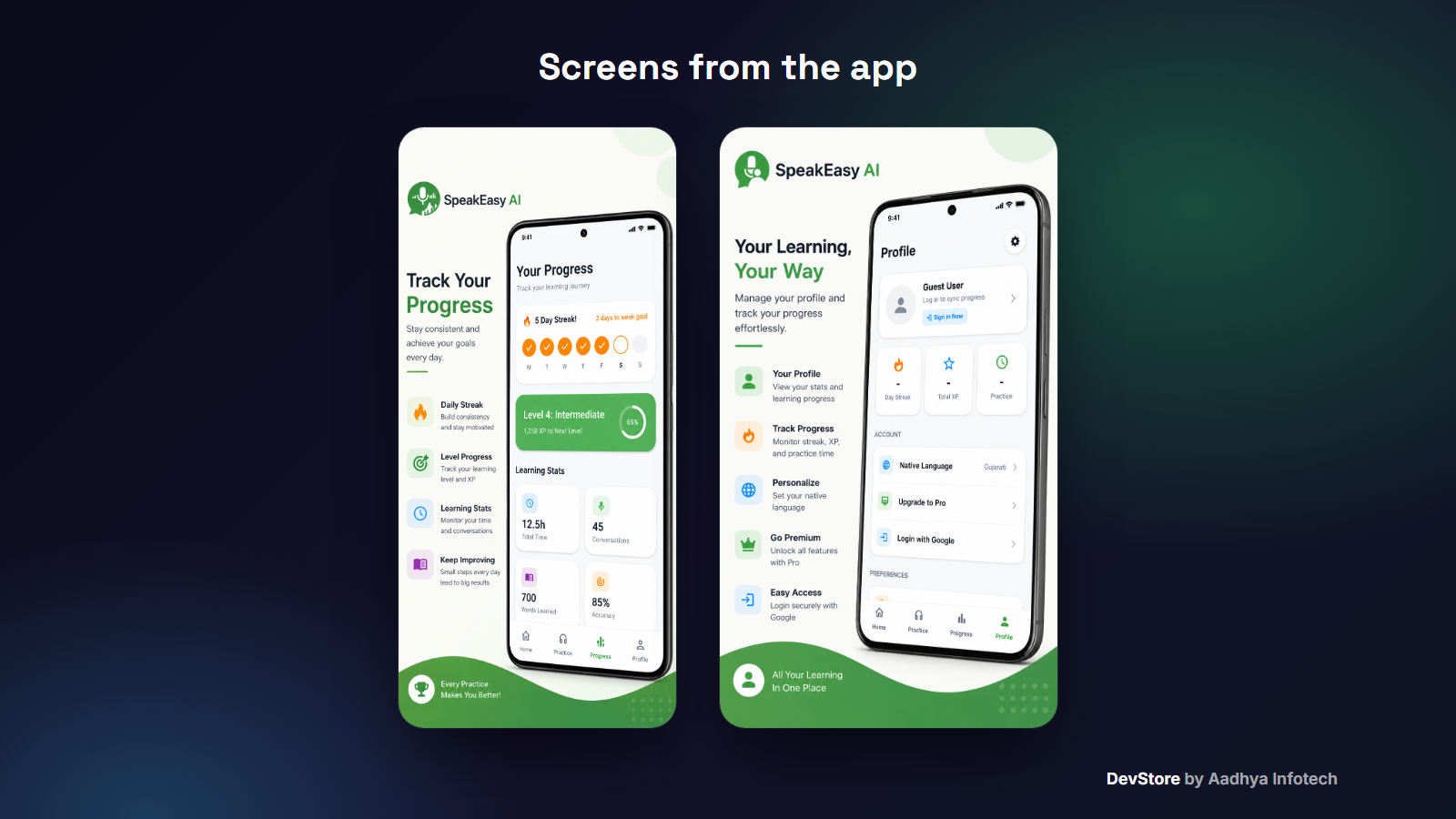
- Daily streak with a weekly calendar and Free Ticks that protect the streak
- Words-learned counter
- Daily practice reminder notifications with WorkManager
Account and design
- Google Sign-In with Firebase Authentication, plus sign-out
- Profile with stats, native language, reminders and an upgrade entry
- Material 3 design with light and dark themes, animations and shimmer loaders
What's included
- Full Android Studio project source code (Kotlin, Gradle Kotlin DSL)
- Detailed README covering setup, rebranding, Firebase and Google Sign-In (SHA keys, web client ID), the Groq key, reminders, signing and troubleshooting
- Template files: google-services.json.example, local.properties.example and keystore.properties.example
- Ready-made Premium paywall screen UI (Free, Basic and Pro cards)
- CHANGELOG and commercial LICENSE
Tech stack
- Kotlin 1.9.24, Android Gradle Plugin 8.6.0, Gradle 8.7, KSP
- Jetpack Compose (BOM 2024.02.00), Material 3, Navigation Compose
- MVVM architecture with Hilt dependency injection
- Room 2.6.1, Retrofit 2.9.0, OkHttp, Gson, Coil, WorkManager
- Firebase Auth, Analytics, Crashlytics and Remote Config; Play Services Auth
- Android SpeechRecognizer and TextToSpeech
- minSdk 26 (Android 8.0), targetSdk / compileSdk 36
Requirements
- Android Studio Koala Feature Drop (2024.1.2) or newer, JDK 17+
- A free Firebase project (google-services.json) with Google sign-in enabled
- A free Groq API key
- A real Android device is recommended for testing speech features
Setup in minutes
- 1. Open the project in Android Studio
- 2. Change the applicationId, app name and icon
- 3. Add your google-services.json and SHA-1 keys for Google Sign-In
- 4. Add GROQ_API_KEY to local.properties (or use the Remote Config key groq_api_key)
- 5. Run, then build a signed AAB with the included keystore.properties template
Monetization
The app includes a polished Premium paywall screen, and the Google Play Billing library is already added to the project. The purchase flow is not implemented: the "Start Free Trial" button currently shows a "coming soon" message, and no product IDs are defined. You connect it to your own subscription products. There are no ad SDKs in this project, so you are free to add the monetization model you prefer.
Support and updates
Need help? Contact us through the DevStore support page: https://www.aadhya-infotech.com/DevStore/contact. We can help with setting up the included features. When a new version of the package is released, it is published on this product page.
Please note: the package ships with no API keys, Firebase config or signing keys. You add your own. Podcast playback and premium purchasing are marked "coming soon" in the app, and the Room database uses destructive migration (a TODO is included). The README lists these items in full.
Release history
- v1.2.010/1/2026
SpeakEasy AI English Speaking Tutor v1.2.0: full source code release. See CHANGELOG.md in the package.