 1 / 3
1 / 3About
Overview
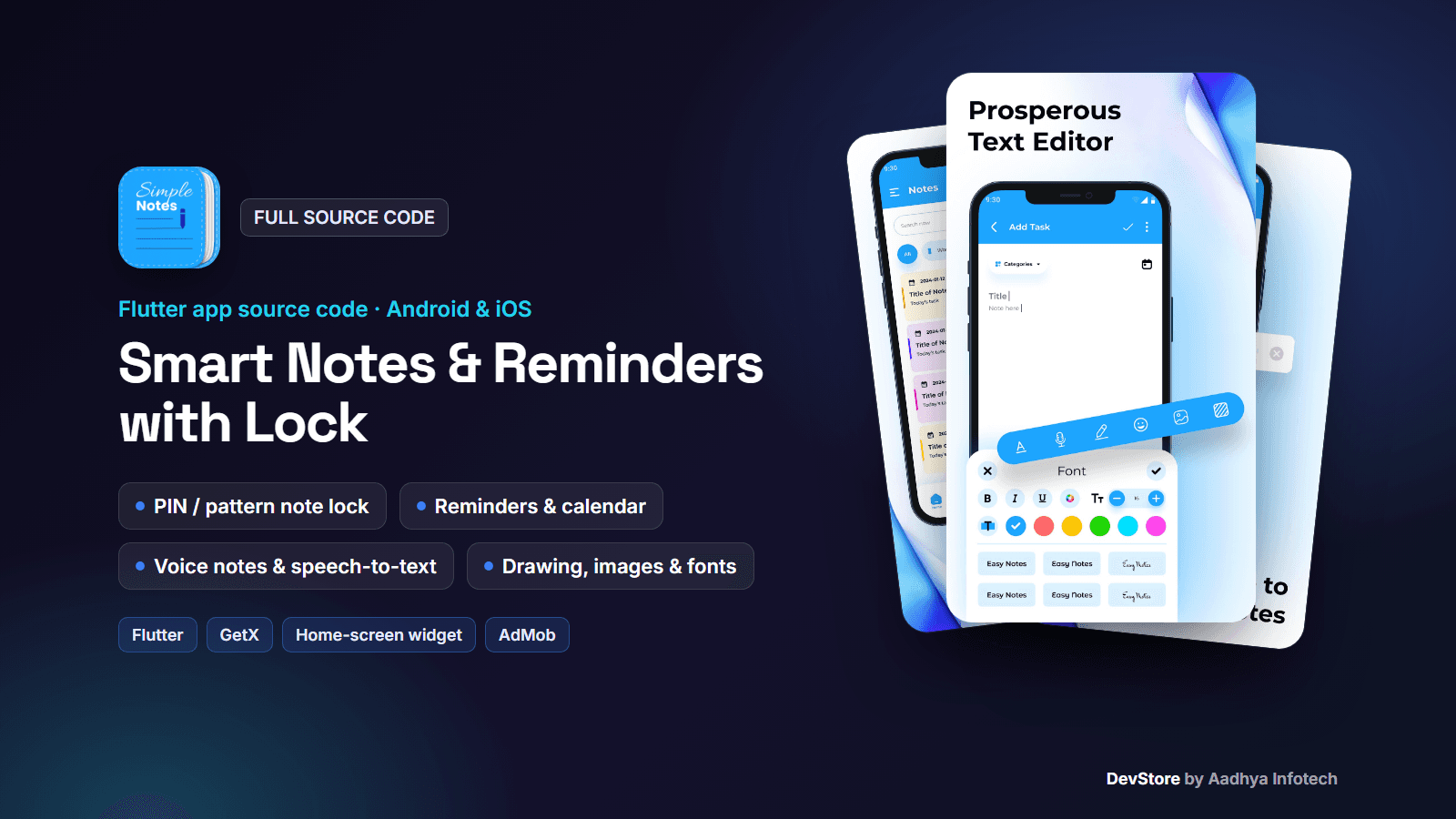
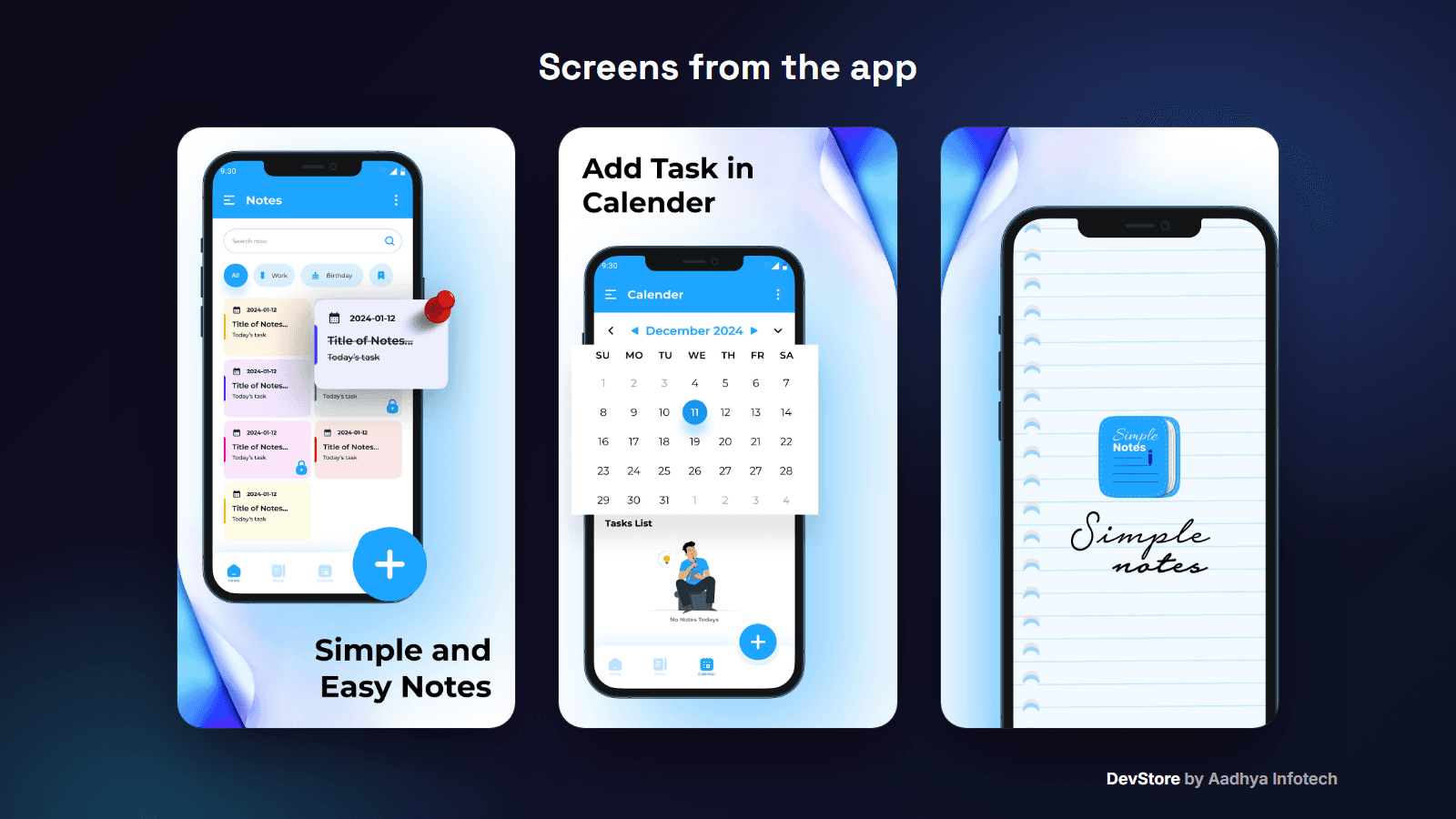
Smart Notes & Reminders with Lock is a complete offline notes app built with Flutter and GetX. Users write rich notes with fonts, colours and backgrounds, add photos, voice recordings, speech-to-text and hand drawings, organise them in categories, set repeating reminders with a calendar view, and lock private notes with a PIN or pattern. It includes 9 themes, trash with restore, a home-screen widget for Android and iOS, and a remote-controlled AdMob ad system. This is the code base of a live Google Play app, cleaned and documented so you can rebrand and publish it quickly.
Key features
Rich notes
- Font family picker, font size, bold / italic / underline and text colour
- Note and screen background colours and gradients
- Photos from camera or gallery, voice notes with live waveform, speech-to-text dictation with language choice
- Drawing board (pen, marker, highlighter, pencil, eraser) saved into the note, plus an emoji picker
Organise
- Grid or list view, search, category chips, pin, sort, multi-select delete
- Categories: defaults plus add, rename and delete
- Note menu: share, duplicate, change category, lock, add to home widget
- Trash with restore and permanent delete
Lock & privacy
- Lock any note with a 4-digit PIN or a pattern, with a security question for recovery
- Everything is stored on the device; no account needed
Reminders & calendar
- Reminder date and time per note, repeat daily, weekly or monthly, with local notifications
- Reminder list and a calendar with the tasks of each day
Extras
- Home-screen widget: Android AppWidget and an iOS WidgetKit extension
- 9 colour themes, onboarding with privacy-policy acceptance
- Firebase Cloud Messaging push, in-app update check, rate and share app
What's included
- Full Flutter source code (GetX controllers, views, dialogs, services, ad engine)
- Android project with native-ad factories and the home widget provider
- iOS project with native-ad factories (AppDelegate + XIB) and the WidgetKit extension
- README with a step-by-step guide: rebranding, Firebase, ads configuration endpoint, reminders and permissions, widget, signing, iOS and troubleshooting
- Sample ads configuration (assets/mock/ad.json with Google test IDs), key.properties signing template, LICENSE and CHANGELOG
Tech stack
- Flutter 3.38+ (tested on Flutter 3.47.4), GetX, GetStorage
- flutter_local_notifications + timezone, audio_waveforms, speech_to_text, image_picker, home_widget
- pinput and pattern_lock for the note lock, flutter_font_picker and flutter_colorpicker for the editor
- Firebase: Core and Cloud Messaging
- Ads: google_mobile_ads
- Android: AGP 8.11, Kotlin 2.2, Gradle 8.14, Java 17; iOS: 15.0
Requirements
- Flutter SDK 3.38 or newer, Android Studio or VS Code, JDK 17+
- Xcode 16+ and CocoaPods for iOS builds
- Your own Firebase project and AdMob account
- A URL where you host the ads configuration JSON (any HTTPS server or static hosting)
Setup in minutes
- Run flutter pub get and flutterfire configure
- Change the package id, app name, icon and App Group
- Add your AdMob App ID and host your ads JSON, then pass --dart-define=ADS_CONFIG_BASE_URL
- Add your keystore to android/key.properties
- Build with flutter build appbundle --no-tree-shake-icons
Monetization (ads/IAP)
- AdMob formats: App Open (splash and resume), banner, native small and large, interstitial on navigation
- Fallback: primary AdMob unit, then a secondary unit, per platform
- Remote control: one JSON switches ads on or off and sets every unit ID and the interstitial frequency, without an app update
- No in-app purchases in this app
Support & updates
Support is provided through the Aadhya Infotech DevStore: https://www.aadhya-infotech.com/DevStore/contact. Bug-fix updates for this package are published on the DevStore. Please note: no backend is included (you host the ads JSON yourself), locks protect notes in the app UI but data is not encrypted, the UI is English only, and a few developer test rows in Settings should be removed before publishing; all of this is documented in the README.
Release history
- v1.0.110/3/2026
Smart Notes & Reminders with Lock v1.0.1: full source code release. See CHANGELOG.md in the package.