 1 / 2
1 / 2About
Overview
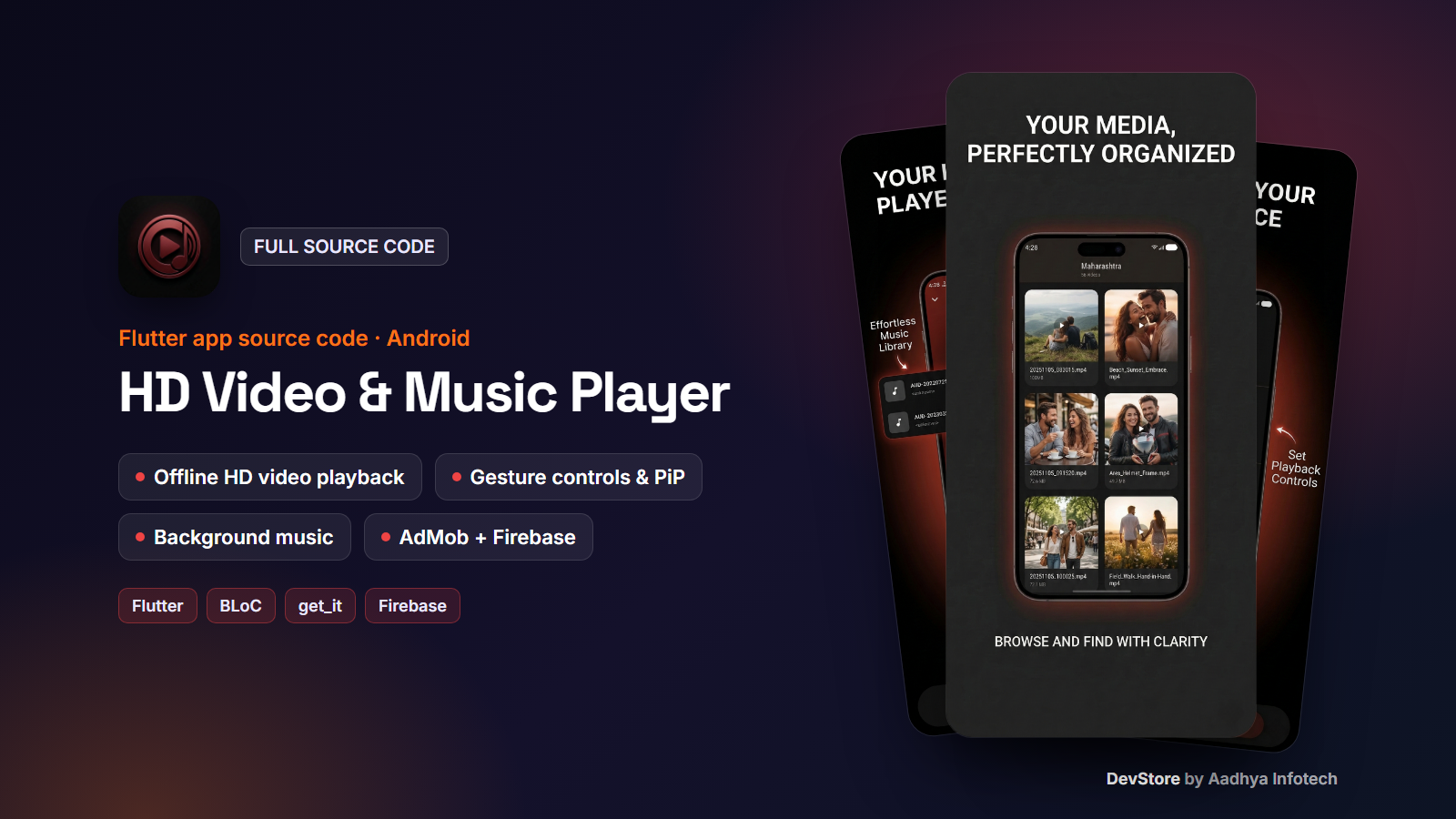
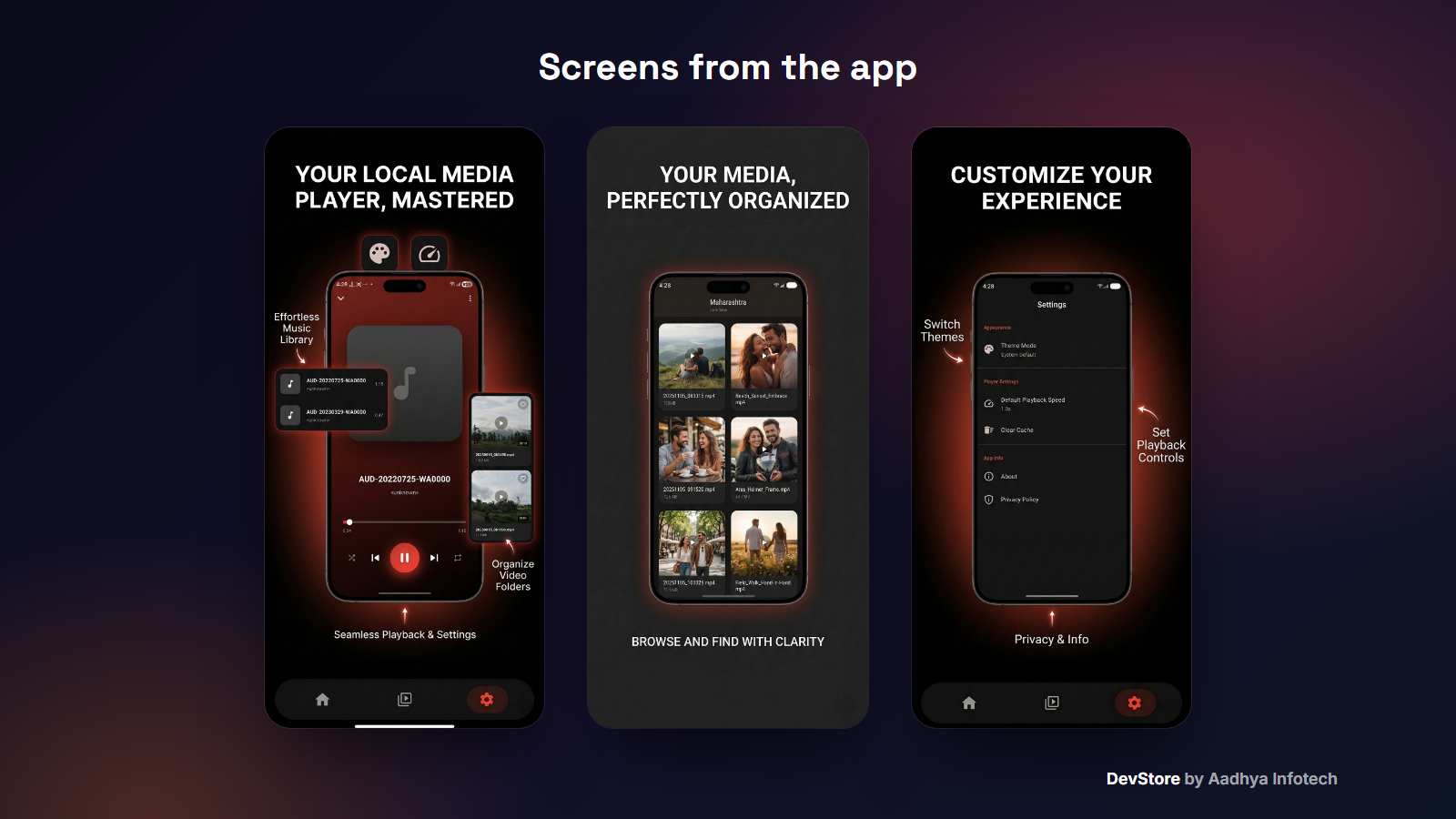
HD Video & Music Player is a complete Flutter app for playing the videos and songs already on the user's phone. It scans the device, organizes videos by folder, plays them in a smooth gesture-controlled player, and plays music in the background with notification controls. The code uses a clean BLoC + get_it architecture and comes with AdMob monetization driven by Firebase Remote Config, so you can rebrand it and publish quickly.
Key features
Video library
- Automatic scan of all device videos, grouped by folder
- Tabs for All videos, Recent, Favorites and Downloaded
- Thumbnail grid with duration and size, search and pull to refresh
- Open videos shared from other apps (Android view/share intents)
Custom video player
- Swipe gestures for brightness and volume, double-tap to seek ±10 seconds
- Lock screen controls, fit modes (contain / cover / fill), loop, orientation toggle
- Playback speed control and Picture-in-Picture
- Auto-hiding controls and keep-screen-awake while playing
Music player
- Local song library with search
- Play/pause, seek, next/previous, shuffle, repeat and favorites
- Background playback with notification and lock-screen controls
- Persistent mini player
App experience
- Splash, onboarding and first-launch language selection
- 10 languages: English, Hindi, Spanish, French, German, Portuguese, Russian, Chinese, Japanese, Arabic
- Light, dark and system themes, default playback speed, clear cache
- Share app, rate-us dialog, About and Privacy Policy
- Android 13+ media permission flow and Google Play in-app update check
What's included
- Full Flutter project source code (Android + iOS runners)
- Detailed README: setup, package rename, Firebase, Remote Config ads, release signing, troubleshooting
- Ads configuration JSON templates (Google test ids) and key.properties.example
- Central app_config.dart for store links and privacy URL
- Kotlin native ad factories and layouts
- LICENSE and CHANGELOG
Tech stack
- Flutter 3.35+ / Dart 3.9, flutter_bloc, equatable, get_it
- better_player_plus (ExoPlayer), photo_manager, screen_brightness, volume_controller, wakelock_plus
- just_audio, just_audio_background, audio_session, on_audio_query
- Firebase Core, Analytics, Crashlytics, Cloud Messaging, Remote Config
- google_mobile_ads 7, flutter_local_notifications, permission_handler, connectivity_plus, share_plus
- Android: AGP 8.11.1, Kotlin 2.2.20, Java 17
Requirements
- Flutter 3.35 or newer with Android Studio or VS Code
- Android SDK and JDK 17. A real Android device is recommended
- Firebase project (free plan) and the FlutterFire CLI
- Optional: AdMob account. A Mac with Xcode for iOS builds
Setup in minutes
- Run flutter pub get
- Change the application id, app name and icon
- Run flutterfire configure to connect your Firebase project
- Add your AdMob App ID and publish the ads_service Remote Config JSON
- Add your keystore to key.properties and build the release app bundle
Monetization
- AdMob: home banner, interstitials on item taps with a configurable frequency, and App Open ads on splash and resume
- Ready-to-place native ad widgets and a rewarded-ad unlock dialog
- Primary and fallback ad units per platform, all controlled remotely through Firebase Remote Config (turn ads on or off and change ids without an app update)
- The package ships with Google test ad ids only
Support & updates
Need help with setup or customization? Contact us at https://www.aadhya-infotech.com/DevStore/contact. Bug-fix updates are published on the DevStore product page.
Release history
- v1.0.010/1/2026
HD Video & Music Player v1.0.0: full source code release. See CHANGELOG.md in the package.