 1 / 3
1 / 3About
Overview
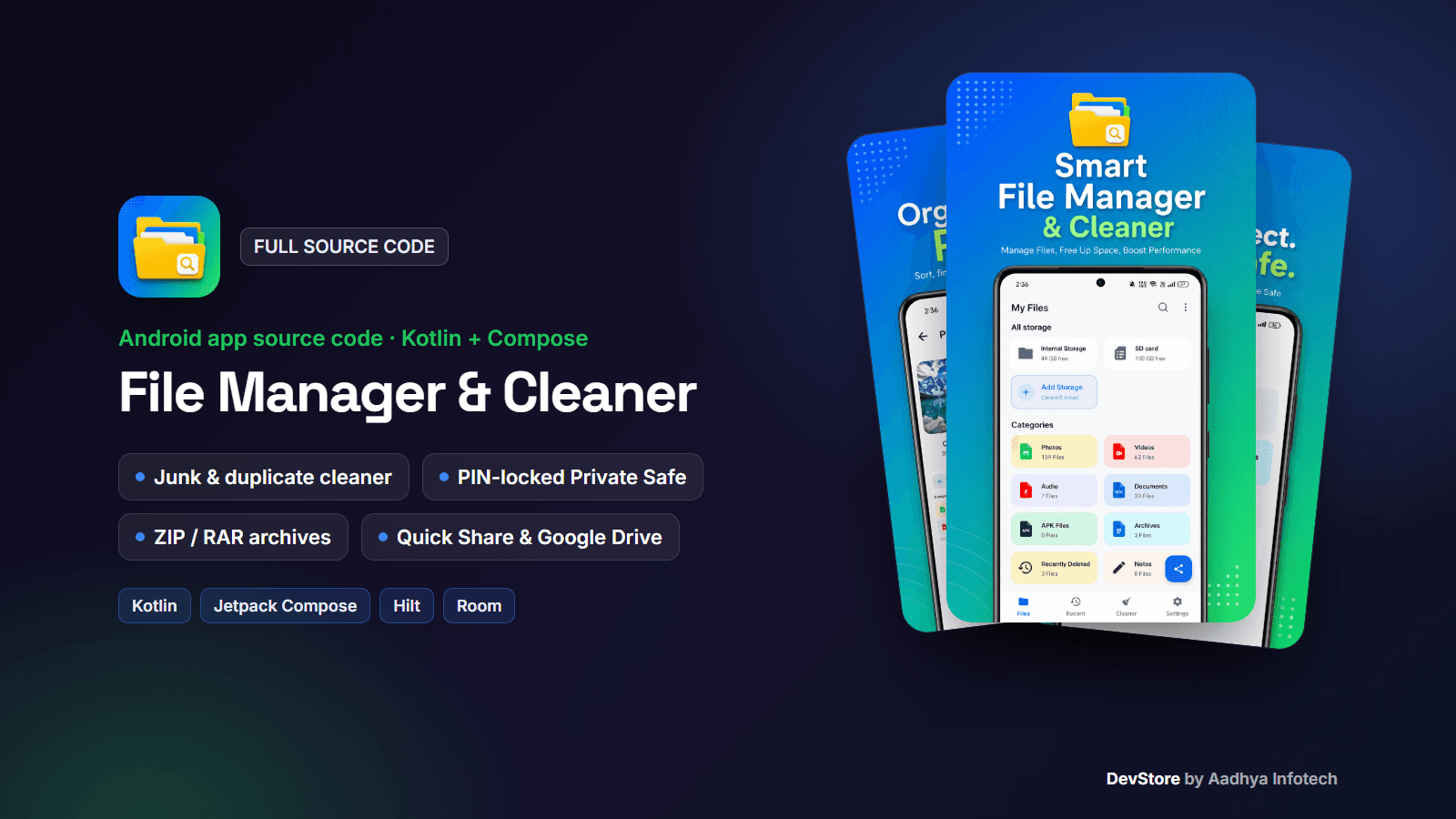
File Manager & Cleaner is a complete, native Android file manager written in Kotlin (XML Views plus Jetpack Compose screens, Hilt, Room and DataStore). Users browse and organize their files, compress and extract archives, hide private files behind a PIN, restore deleted files from a 30-day Recycle Bin, free up space with a junk cleaner, see where storage goes in a storage analyzer, send files phone to phone with Quick Share (Google Nearby Connections) and browse their Google Drive.
This is the code of a live Google Play app, cleaned and documented. It runs fully on the device with no backend, supports light and dark themes and 10 languages, and includes Firebase Analytics, Crashlytics and push notifications with deep links. It ships without ads or in-app purchases, so you are free to add the monetization model you want.
Key features
File management
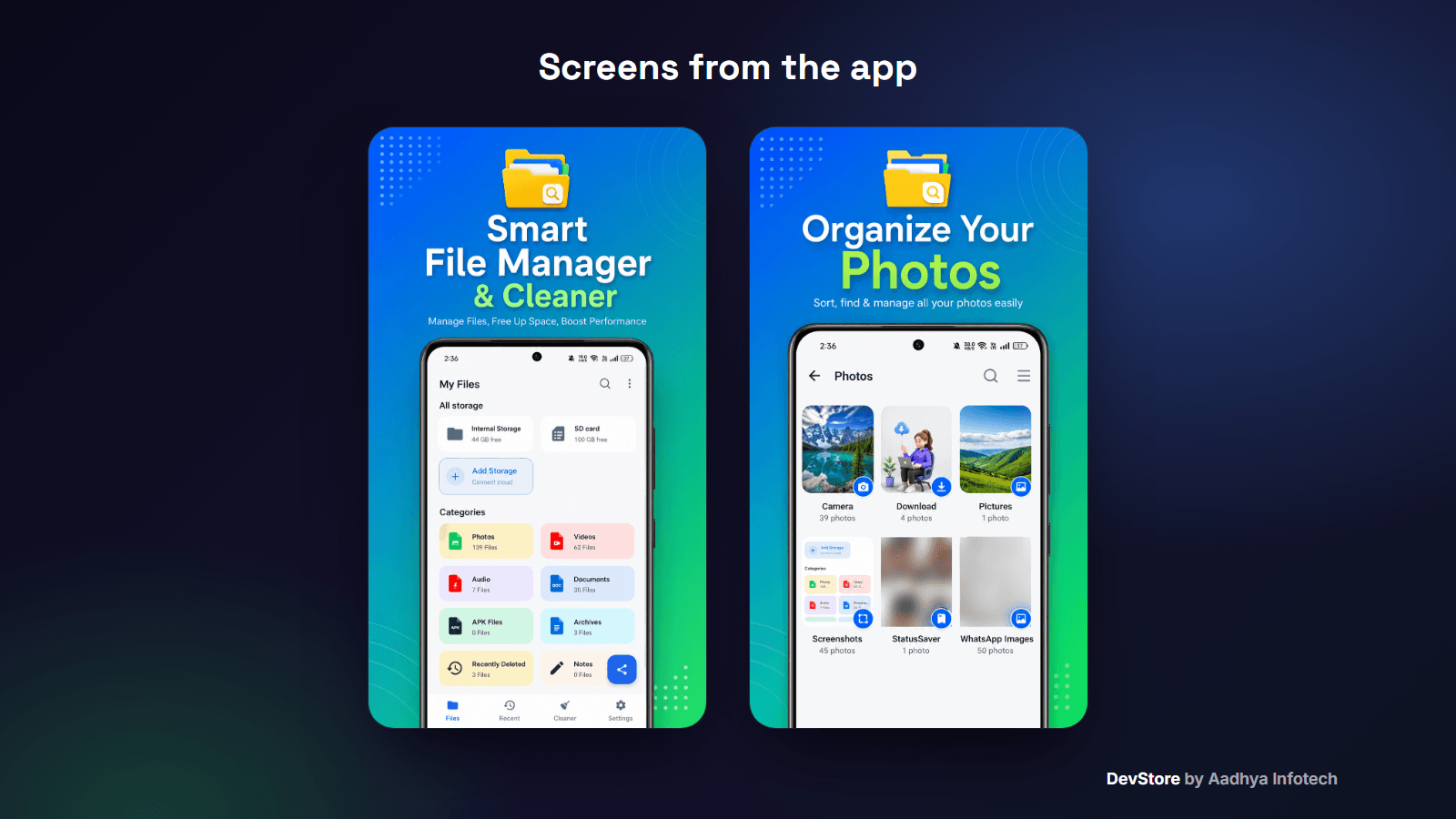
- Storage card for internal storage, SD card and connected Google Drive accounts
- Reorderable categories: Photos (albums), Videos, Audio, Documents (PDF/DOC/PPT/XLS/TXT tabs), APKs, Archives, Recent activity, Notes
- Copy and move with a folder picker and Replace / Keep both / Skip, rename, share, details, multi-select
- Grid or list view, 6 sort orders, breadcrumbs, hidden files, quick-access folders and color tags
- Default app per file type (photos, videos, music, PDF, Word, Excel, PowerPoint, TXT)
- Fast file-name search with category tabs, filters and history; recent files grouped by date
Archives
- Create ZIP files, including password-protected ZIP (AES-256)
- Extract ZIP and RAR, with a built-in archive viewer for browsing and selective extraction
Privacy and recovery
- Private Safe: move photos, videos, audio and documents into a PIN-locked area of app-private storage
- Recycle Bin with 30-day retention, restore and empty
Cleaner and storage tools
- Duplicate files, junk (.apk/.tmp), large files (100 MB+), empty folders, residual folders of removed apps and recent files
- Unused apps (45 days, from usage stats) with uninstall
- WhatsApp cleaner for pictures, videos, audio, voice notes, documents and cache
- Storage analyzer by category, and a security check that lists apps from unknown sources, apps with sensitive permissions, root status and APK files
Sharing and cloud
- Quick Share between two phones running the app, over Bluetooth / Wi-Fi with Nearby Connections, no internet needed
- Google Drive: multiple accounts, quota, browse, open, create folder, rename and delete
App shell
- Light and dark theme, 10 languages (English plus Hindi, Gujarati, Tamil, Telugu, Bengali, Marathi, Kannada, Malayalam, Punjabi)
- Animated splash, onboarding, All files access permission flow
- Folder notes with color labels and pinning
- Firebase Cloud Messaging with 4 channels, big-picture notifications and deep links to screens
- Play In-App Review and In-App Updates, Firebase Analytics and Crashlytics
What's included
- Full Android Studio project (Kotlin, Gradle Kotlin DSL, version catalog), about 220 Kotlin files
- Detailed README: setup, rebranding, Firebase, Google Drive OAuth, FCM payload reference, signing, troubleshooting
- A Google Play permission guide for All files access, QUERY_ALL_PACKAGES, REQUEST_INSTALL_PACKAGES, foreground services and Data safety
- Template files: google-services.json.example, keystore.properties.example, local.properties.example
- Translated string resources for 10 languages, CHANGELOG and commercial LICENSE
Tech stack
- Kotlin 1.9.22, Android Gradle Plugin 8.3.2, Gradle 8.7, KSP
- XML Views with ViewBinding and Material 3, plus Jetpack Compose (BOM 2024.02.02) for the cleaner, analyzer, security, Quick Share, notes and onboarding screens
- Navigation Component with Safe Args, Hilt DI, Room 2.6.1, DataStore, EncryptedSharedPreferences, Glide
- zip4j (ZIP + AES), libarchive-android (RAR), Play services Nearby Connections, Google Sign-In and Drive API v3
- Firebase Analytics, Crashlytics and Cloud Messaging; Play In-App Review and In-App Updates
- minSdk 26 (Android 8.0), targetSdk / compileSdk 35
Requirements
- Android Studio Iguana (2023.2.1) or newer, JDK 17 or 21
- A free Firebase project (google-services.json)
- For Google Drive: a Google Cloud OAuth client for your package and SHA-1 (optional feature)
- A Google Play Console account to publish
Setup in minutes
- 1. Open the project in Android Studio
- 2. Change the applicationId, app name and icon
- 3. Put your google-services.json in the app folder
- 4. Run, grant All files access and start managing files
- 5. Optional: set up the Drive OAuth client, then build a signed AAB with keystore.properties
Monetization
The app ships with no ads and no in-app purchases, which keeps the code clean and lets you choose: add AdMob banners and interstitials (for example after a cleaning run), or sell a Pro upgrade with Google Play Billing. The README explains where to add them.
Support and updates
Need help? Contact us through the DevStore support page: https://www.aadhya-infotech.com/DevStore/contact. We can help with setting up the included features. When a new version of the package is released, it is published on this product page.
Please note: the Private Safe hides files in app-private storage with a PIN; it does not encrypt them. Folder-note reminders are not wired up yet, and Google Drive has no upload in the UI. Publishing needs Google Play permission declarations (All files access and others) and, for Drive, Google OAuth verification. All of this is explained in the README.
Release history
- v1.010/3/2026
File Manager & Cleaner v1.0: full source code release. See CHANGELOG.md in the package.