 1 / 3
1 / 3About
Overview
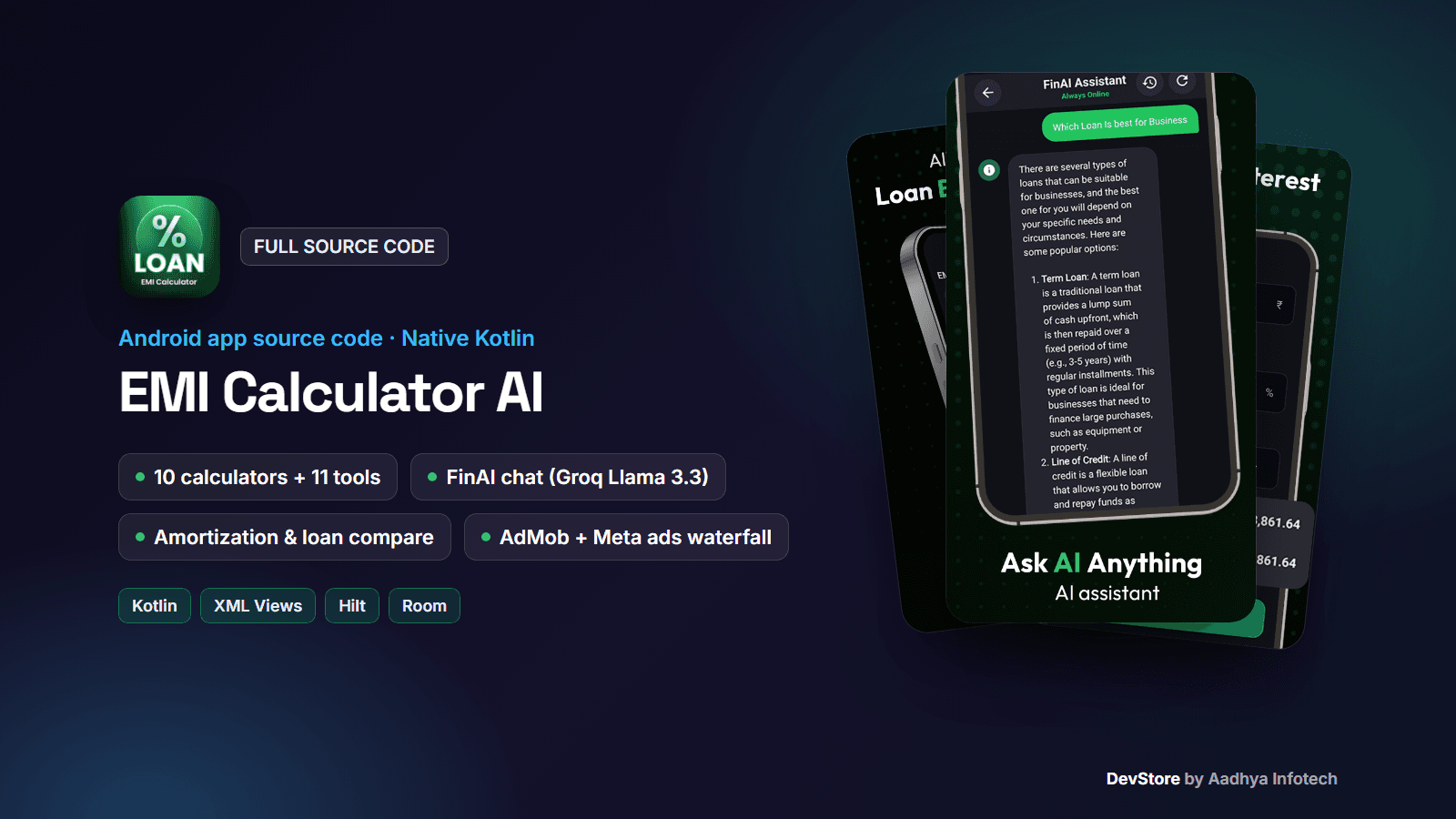
EMI Calculator AI is a complete, native Android loan and finance calculator app written in 100% Kotlin with XML layouts, ViewBinding, Hilt, Room and Retrofit. Users calculate loan EMIs with an amortization schedule, compare loans, plan FD, RD, SIP and PPF investments, work out interest, GST and VAT, use 11 everyday tools, and ask FinAI, an AI finance assistant powered by Groq (Llama 3.3 70B).
It is ready to monetize with a three-network ad waterfall: AdMob (Next-Gen SDK), Meta Audience Network and Ad Manager (AdX), with banner, native, interstitial and app open ads controlled from Firebase Remote Config. No backend server is needed. This is the code of a live Google Play app, cleaned and documented.
Native Kotlin, not Flutter: DevStore also sells a separate Flutter EMI app (Android + iOS, more calculators, in-app purchases). This package is a different code base for developers who want a native Android project with a multi-network ad setup.
Key features
Loan & EMI calculators
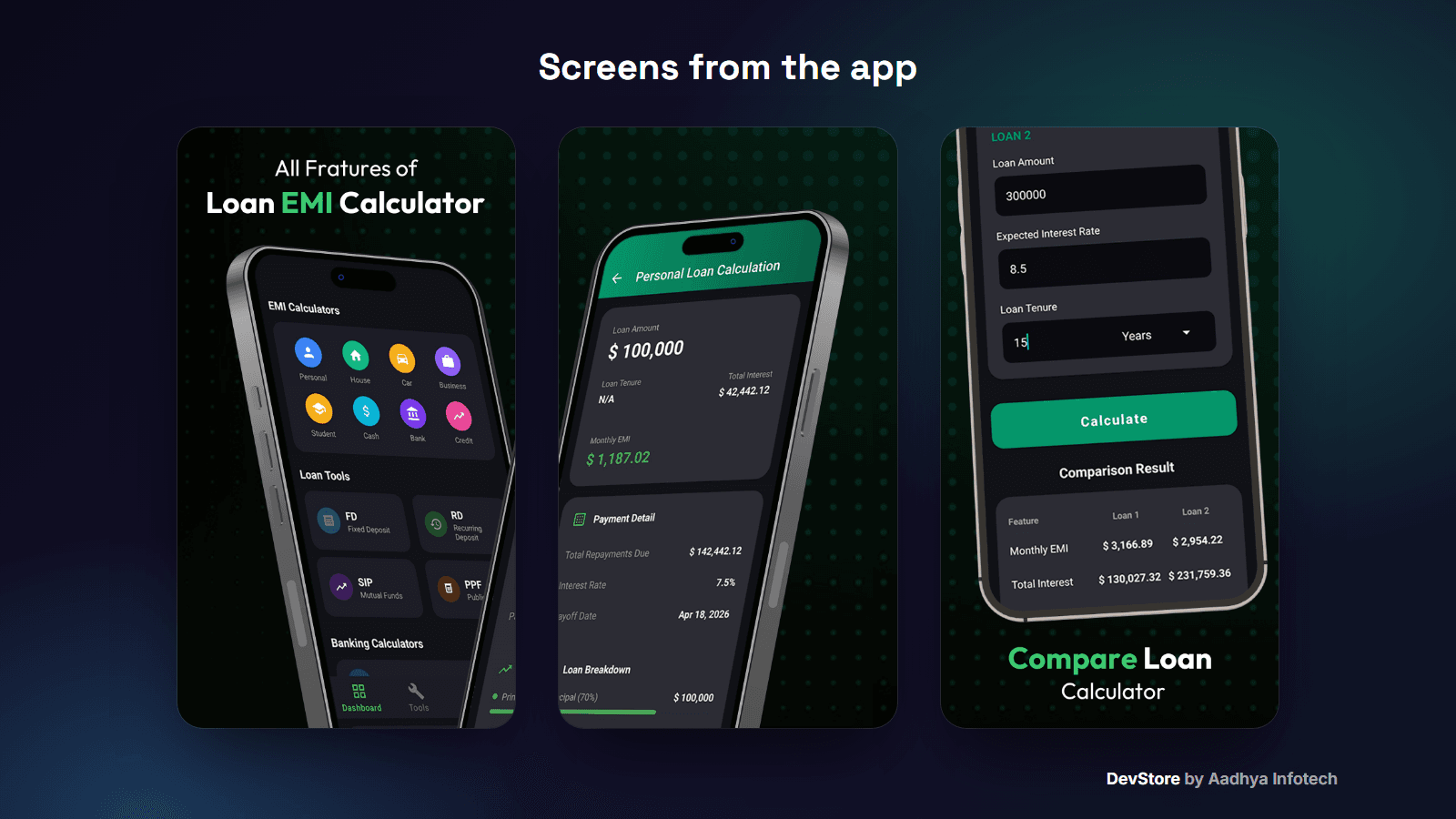
- EMI calculator for 8 loan types (Personal, House, Car, Business, Student, Cash, Bank, Credit) with tenure in years or months
- Result screen with monthly EMI, principal, total interest and total payment, plus share as text
- Year-by-year amortization schedule
- Loan Compare: two loans side by side with the difference
Investment, banking & tax calculators
- FD, RD, SIP and PPF calculators
- Simple / Compound interest, and Compound Interest with yearly, half-yearly, quarterly or monthly compounding
- GST (with CGST / SGST split) and VAT, add or remove tax
11 everyday tools
- Discount, inflation, percentage, percentage difference and percentage change
- Amount in words in Indian (lakh / crore) and international (million / billion) formats, with copy and share
- Length, mass and temperature converters and an age calculator
- Currency converter screen (template with sample rates)
FinAI assistant
- Chat powered by the Groq API (llama-3.3-70b-versatile) with a finance-focused system prompt
- Markdown replies (Markwon), typing indicator and new chat
- Chat sessions saved in Room with a chat history screen
- API key from local.properties or Remote Config, with a friendly message when it is missing
App experience
- Bottom navigation: Dashboard, Tools, History and Settings
- Automatic calculation history in Room, with delete and clear
- Modern dark design with green accents, splash, language picker and 3-page onboarding
- Rate-us dialog, share app and Play In-App Updates
- Firebase Analytics, Crashlytics and Performance Monitoring
What's included
- Full Android Studio project source code (Kotlin, Gradle Kotlin DSL, version catalog)
- Detailed README: setup, rebranding, Firebase, Groq key, ad waterfall and Remote Config JSON, signing, Play Console checklist and troubleshooting
- Ads configuration template (ads_config_array JSON with Google test IDs, used automatically in debug builds)
- Template files: google-services.json.example, local.properties.example and keystore.properties.example
- CHANGELOG and commercial LICENSE
Tech stack
- Kotlin 2.1.0, Android Gradle Plugin 8.7.3, Gradle 9.0, KSP, Java 17
- XML Views with ViewBinding and Material Components, MVVM with StateFlow
- Hilt DI, Room 2.6.1, Retrofit 2.11, OkHttp 4.12, Gson, Coroutines, Markwon
- Firebase Analytics, Crashlytics, Performance and Remote Config
- Google Mobile Ads Next-Gen SDK, Meta Audience Network 6.18, Facebook SDK, Play In-App Updates
- minSdk 26 (Android 8.0), targetSdk / compileSdk 36
Requirements
- Android Studio Ladybug (2024.2.1) or newer, JDK 17+
- A free Firebase project (google-services.json)
- A free Groq API key for the AI chat
- For monetization: an AdMob account (optionally Meta Audience Network and Ad Manager) and a Google Play Console account
Setup in minutes
- 1. Open the project in Android Studio
- 2. Change the applicationId, app name and icon
- 3. Put your google-services.json in the app folder
- 4. Add GROQ_API_KEY to local.properties
- 5. Run. Debug builds show Google test ads automatically
- 6. Publish your ads_config_array JSON in Remote Config, then build a signed AAB
Monetization
Ads: banner, small and big native, interstitial (frequency from Remote Config) and app open ads (after the splash and on return to the app). Each placement tries AdMob first, then Meta Audience Network, then Ad Manager (AdX); set an ID to "0" to skip a network. One Remote Config JSON holds the master switch, every ad unit ID and the Meta app ID.
In-app purchases: not included. You can add a Google Play Billing "remove ads" or premium AI tier on top.
Support and updates
Need help? Contact us through the DevStore support page: https://www.aadhya-infotech.com/DevStore/contact. We can help with setting up the included features. When a new version of the package is released, it is published on this product page.
Please note: the package ships with no API keys, Firebase config or signing keys. You add your own. The currency converter uses sample rates, the UI text is English (the language picker lists 8 languages but only a partial Hindi translation exists), and the reports screen is not linked yet. All of this is listed in the README.
Release history
- v1.0.110/3/2026
EMI Calculator AI (native Kotlin) v1.0.1: full source code release. See CHANGELOG.md in the package.