 1 / 3
1 / 3About
Overview
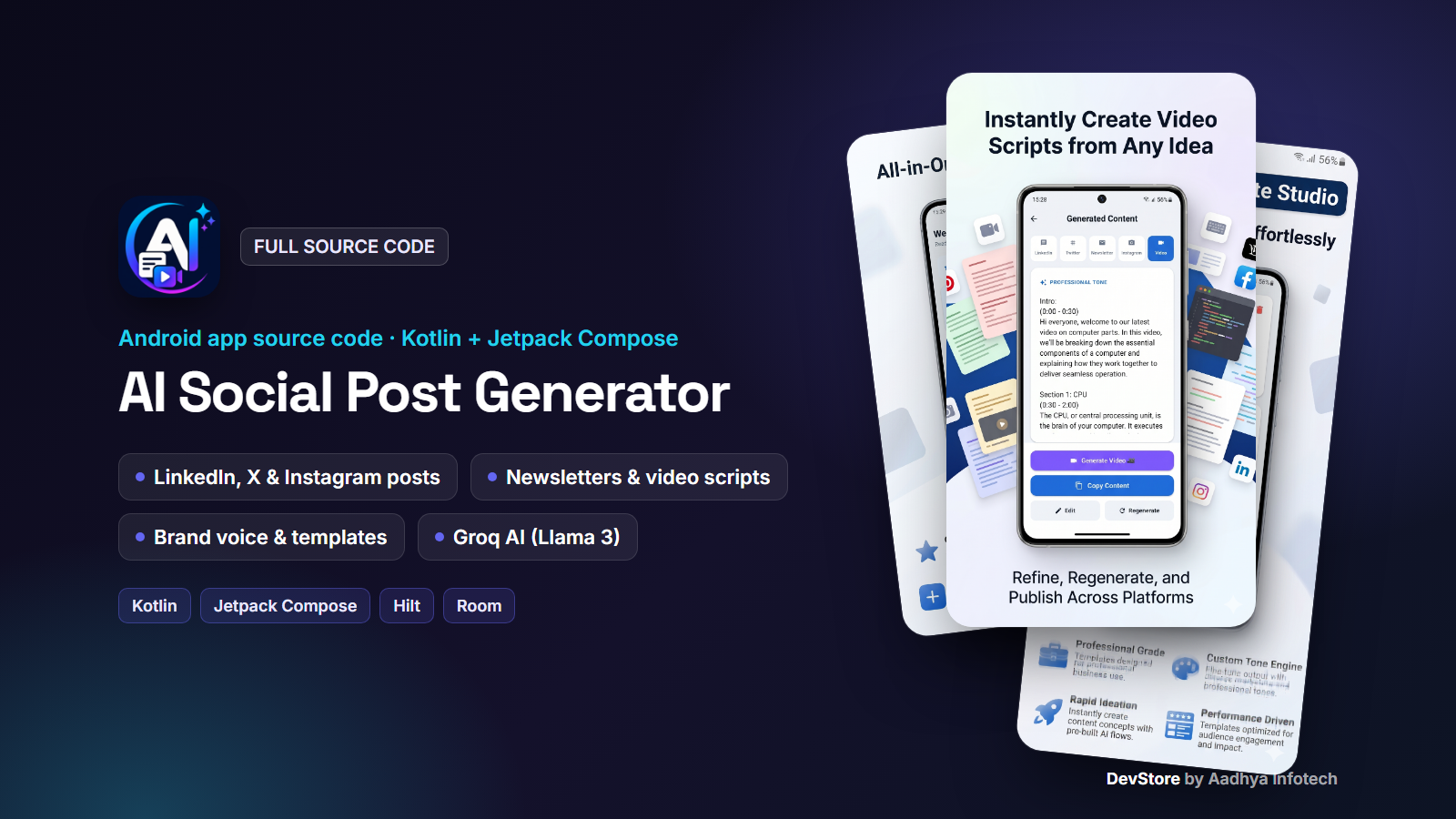
AI Social Post Generator is a native Android app (Kotlin + Jetpack Compose) that turns a single idea, script or article into ready-to-publish content for LinkedIn, X/Twitter, Instagram, an email newsletter and a short video script, all in one tap. AI text generation is powered by the fast Groq API (Llama 3.3 70B). The code follows a clean MVVM + repository architecture with Hilt, Room and Material 3, so you can rebrand it and publish your own AI content app quickly.
Key features
AI content repurposing (Groq)
- One input produces 5 formats: LinkedIn post, Twitter/X thread, Instagram caption, newsletter and video script
- Choose tone (Professional, Casual, Humorous, Witty, Educational), video length, target platform and output language
- Quick-prompt chips, character and word counter, animated processing screen
- Automatic retries with exponential backoff and friendly error states
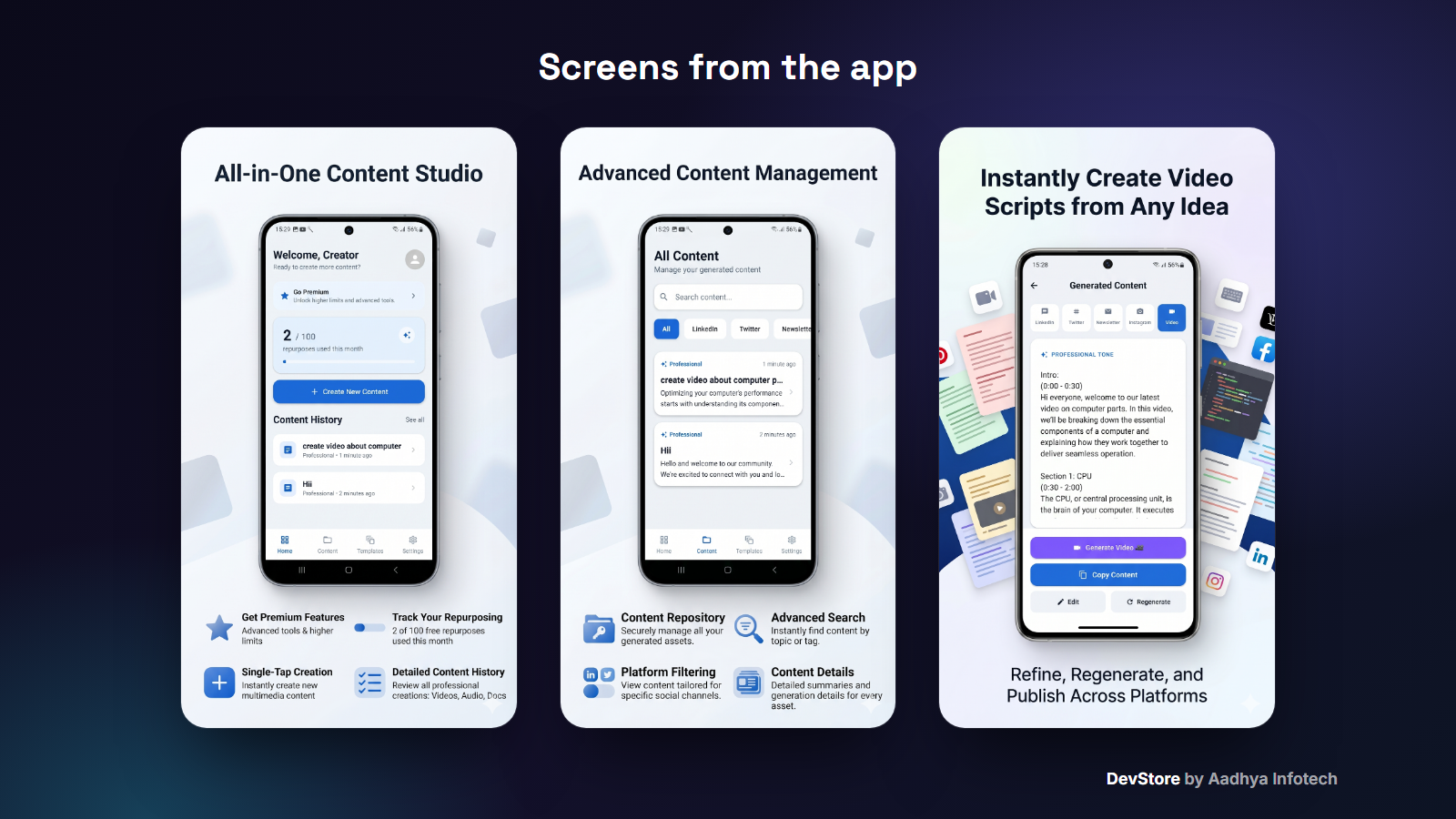
- Result tabs per platform with edit, copy and regenerate
Content management
- Local content history (Room) with search and platform filters
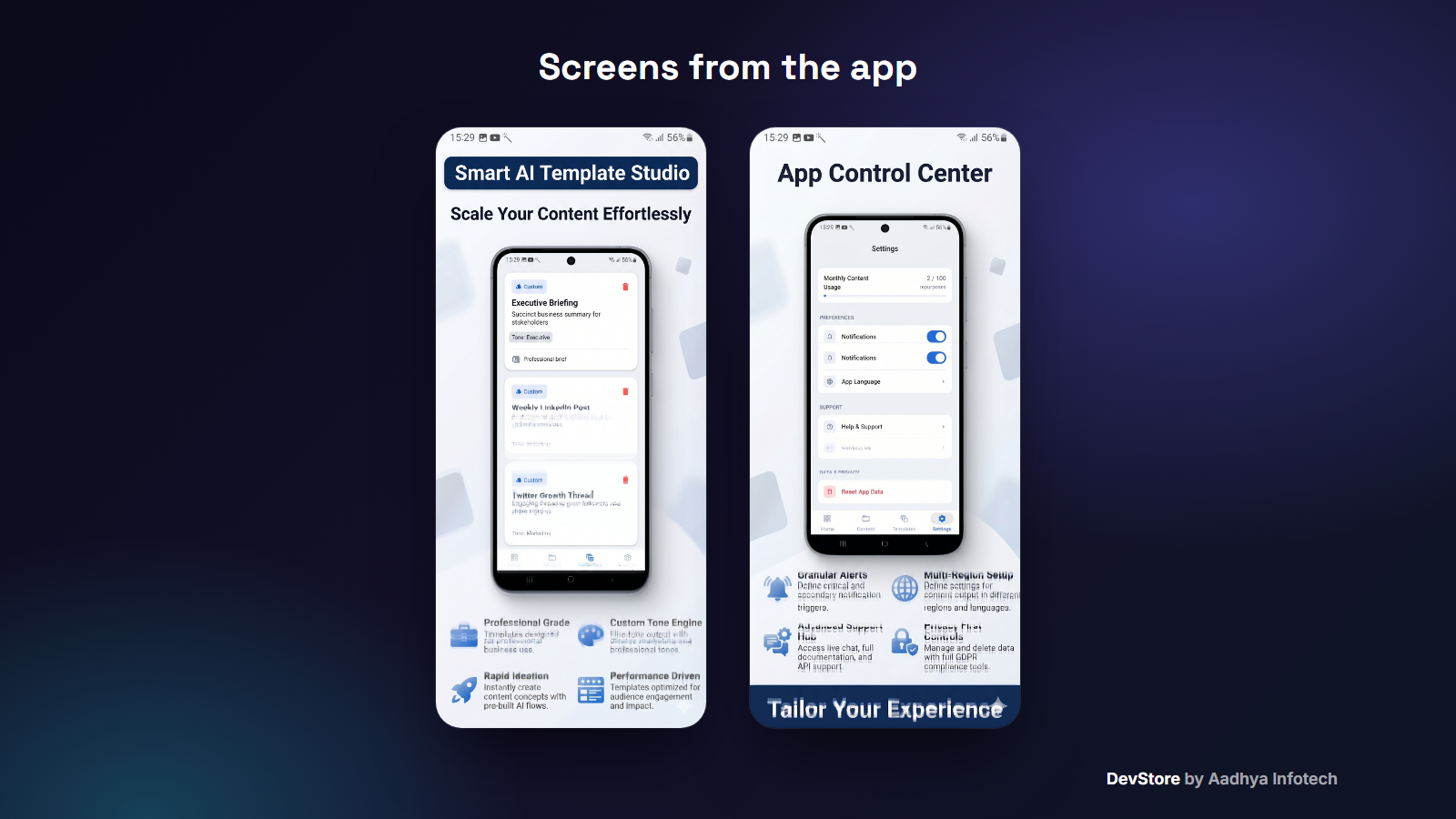
- Reusable prompt templates (name, prompt, tone)
- Dashboard with quick actions, recent content and a monthly usage meter
AI video templates (UI included)
- Paged template gallery with video previews (Paging 3 + Media3 ExoPlayer)
- AI-model picker, photo picker, generation screen and result player
Polished app shell
- Splash, onboarding and first-launch language selection
- 10 UI languages including RTL Arabic, with in-app language switching
- Premium / paywall screen driven by a JSON plan file
- Settings: usage, notifications, language, help and support, reset app data
- Modern dark Material 3 design with shimmer loading states
Video generation: demo provider included
Please note: AI text generation is real and works as soon as you add your Groq key. The AI video template flow is complete in the UI, but it ships with a demo/mock provider that returns sample videos and does not render anything. To offer real AI video generation, connect a video-generation API of your choice (for example fal.ai, Replicate, Runway, Kling or your own backend) by implementing one repository interface (VideoGenerationRepository). The README has step-by-step instructions, and the UI needs no changes.
What's included
- Full Android Studio project source code (Kotlin, Jetpack Compose)
- Detailed README: setup, package rename, Groq key, Firebase, Remote Config ads, billing product ids, signing and release, troubleshooting
- local.properties.example and keystore.properties.example templates
- Example Remote Config JSON for ads (Google test ids)
- Launcher icons, banners, translations for 10 languages
- LICENSE and CHANGELOG
Tech stack
- Kotlin 1.9.23, Jetpack Compose (BOM 2024.04.01), Material 3, Navigation Compose
- Hilt DI, Room, DataStore, Paging 3
- Retrofit + Gson + OkHttp, Groq OpenAI-compatible Chat Completions (llama-3.3-70b-versatile)
- Media3 ExoPlayer, Coil
- Firebase Analytics, Crashlytics, Remote Config
- Google Mobile Ads Next-Gen SDK, Meta Audience Network, Google Play Billing library
- AGP 8.7.2, JDK 17, minSdk 24, targetSdk 36
Requirements
- Android Studio (recent stable) with JDK 17 and Android SDK 36
- Free Groq API key
- Firebase project (free plan) for google-services.json
- Optional: AdMob / Meta Audience Network and Google Play Console accounts
Setup in minutes
- Open the project in Android Studio
- Add GROQ_API_KEY to local.properties
- Add your Firebase google-services.json to the app folder
- Change the application id, app name and icon
- Run, then follow the README to configure ads and signing
Monetization
- Ads infrastructure: App Open ad on foreground, plus ready-made interstitial, banner and native managers with an AdMob, Meta and AdX waterfall. All ad ids come from Firebase Remote Config, and no real ids are hard-coded
- Ad revenue (paid-event) logging to Firebase Analytics
- Premium plans screen with product ids pro_plan_monthly and premium_plan_monthly. The Play Billing library is included, but you add the BillingClient purchase flow (documented in the README)
Support & updates
Need help with setup or customization? Contact us at https://www.aadhya-infotech.com/DevStore/contact. Bug-fix updates for the package are published on the DevStore product page.
Release history
- v1.0.110/1/2026
AI Social Post Generator v1.0.1: full source code release. See CHANGELOG.md in the package.